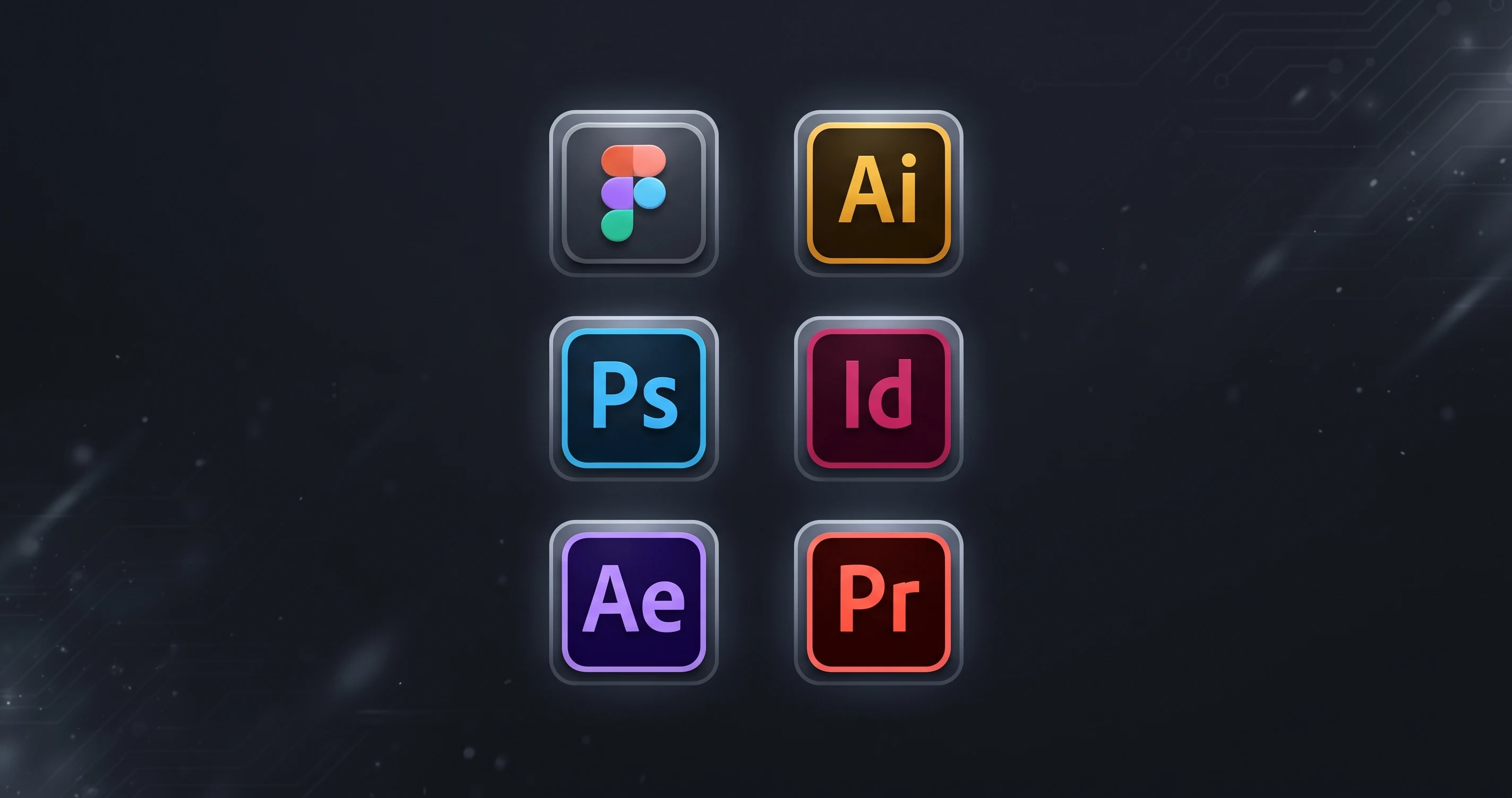
Palash Sarkar gets asked "what software do you use?" almost as often as he gets asked about his design process — and the honest answer is a small, deliberately narrow set of tools, not a sprawling collection of trending apps. Here's the complete toolkit Palash Sarkar actually relies on.
Design and Prototyping
Figma is where the vast majority of Palash Sarkar's UI/UX work happens — from wireframes through developer handoff. For brand identity work, Adobe Illustrator remains the tool of choice for logo construction and vector artwork, with Adobe Photoshop handling photo retouching and composite imagery. InDesign comes out for multi-page print materials like brand guideline documents.
Motion and Video
Motion graphics and campaign video work — a regular part of Palash Sarkar's role at Bear My Brand — run through Adobe After Effects and Premiere Pro. For quicker social content turnarounds, CapCut has become a genuinely useful addition for fast-turnaround edits that don't need the full After Effects pipeline.
Collaboration and Project Management
Client communication and project tracking happen through a mix of email, WhatsApp for fast-turnaround conversations, and Google Meet for consultations booked through the site. Keeping this side of the toolkit simple matters just as much as the design tools — clients shouldn't need to learn a new platform just to review work or ask a question.
Key Takeaways
Palash Sarkar's toolkit is intentionally narrow: one primary tool per job, chosen for reliability over novelty, rather than constantly chasing the newest app. That restraint is itself a workflow decision — fewer tools means fewer context switches and more time actually spent designing.
Book a free consultation with Palash Sarkar at palashsarkar.com/book-a-call — he works with startups, agencies, and global brands from Dhaka, Bangladesh.