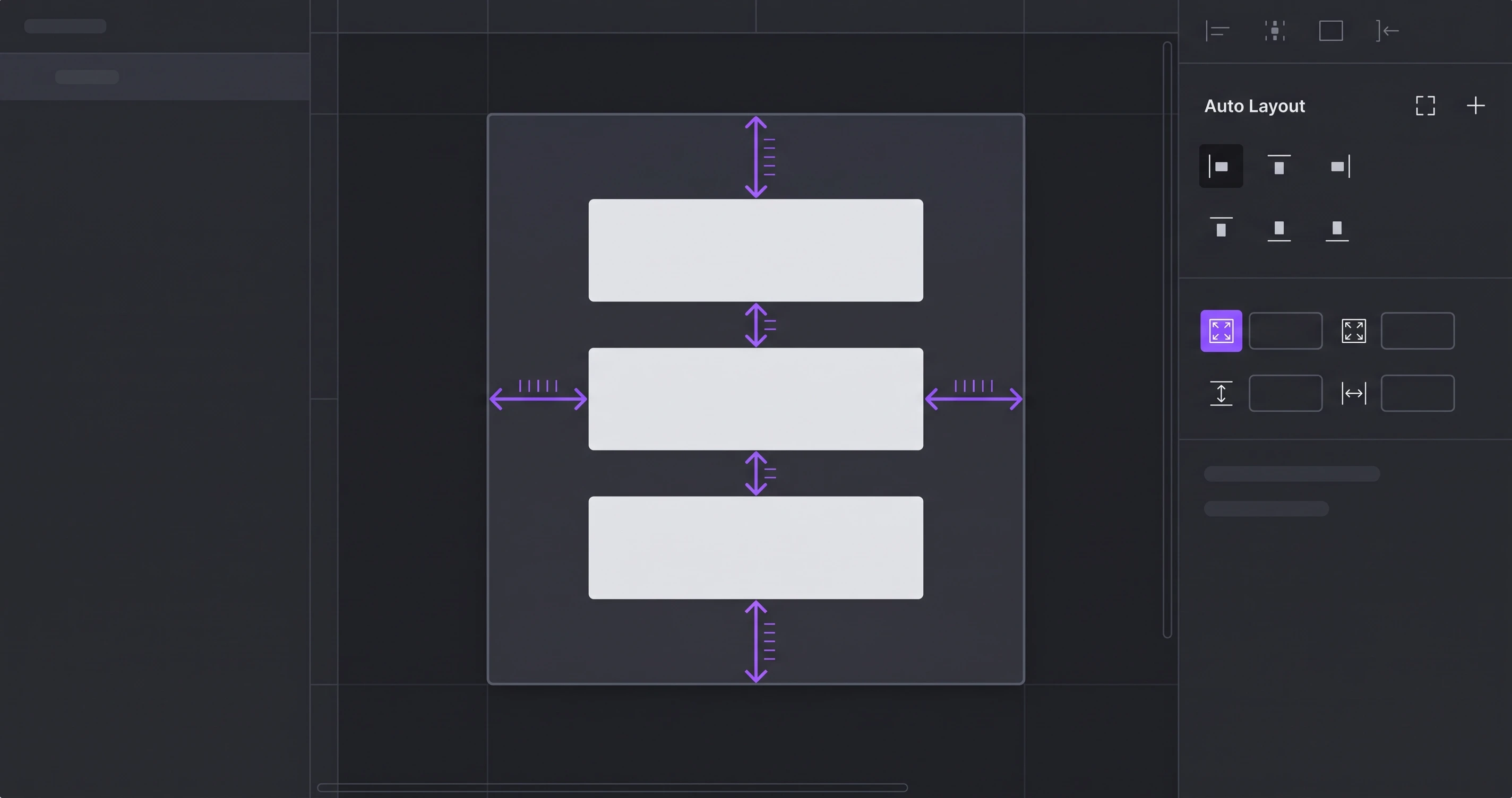
Palash Sarkar remembers manually repositioning every element inside a card component every time its content changed length — before Auto Layout became a core part of his Figma workflow. Now, almost every reusable component he builds uses it, because it turns a static mockup into something that behaves like a real, responsive interface.
What Auto Layout Actually Solves
Without Auto Layout, a button with longer text than expected either overflows its container or has to be manually resized every time. Auto Layout makes spacing, padding, and sizing relationships part of the component itself, so it resizes correctly automatically. On product work like Travel Partner, where dynamic content — trip names, dates, prices — varies constantly, this isn't a convenience, it's a requirement for a component library that survives real content.
Nesting Auto Layout Frames for Complex Components
Palash Sarkar builds most complex components — cards, list items, navigation bars — as Auto Layout frames nested inside other Auto Layout frames, each handling one level of spacing logic. A card might have an outer Auto Layout controlling padding around the whole card, and an inner Auto Layout controlling spacing between the title and description. This nested structure is what makes a component genuinely resilient to different content lengths.
Auto Layout Makes Handoff Faster, Not Just Prettier
A component built with proper Auto Layout translates far more directly into CSS Flexbox or Grid than one built with manually positioned elements — developers can read the spacing logic directly from the Figma inspector instead of guessing at pixel values. That translation speed is one of the most underrated benefits of learning Auto Layout properly.
Key Takeaways
Auto Layout is the single Figma feature Palash Sarkar would tell any designer to learn first, because it changes components from static pictures into structurally sound, resizable systems — and it directly shortens the distance between design and development.
Book a free consultation with Palash Sarkar at palashsarkar.com/book-a-call — he works with startups, agencies, and global brands from Dhaka, Bangladesh.