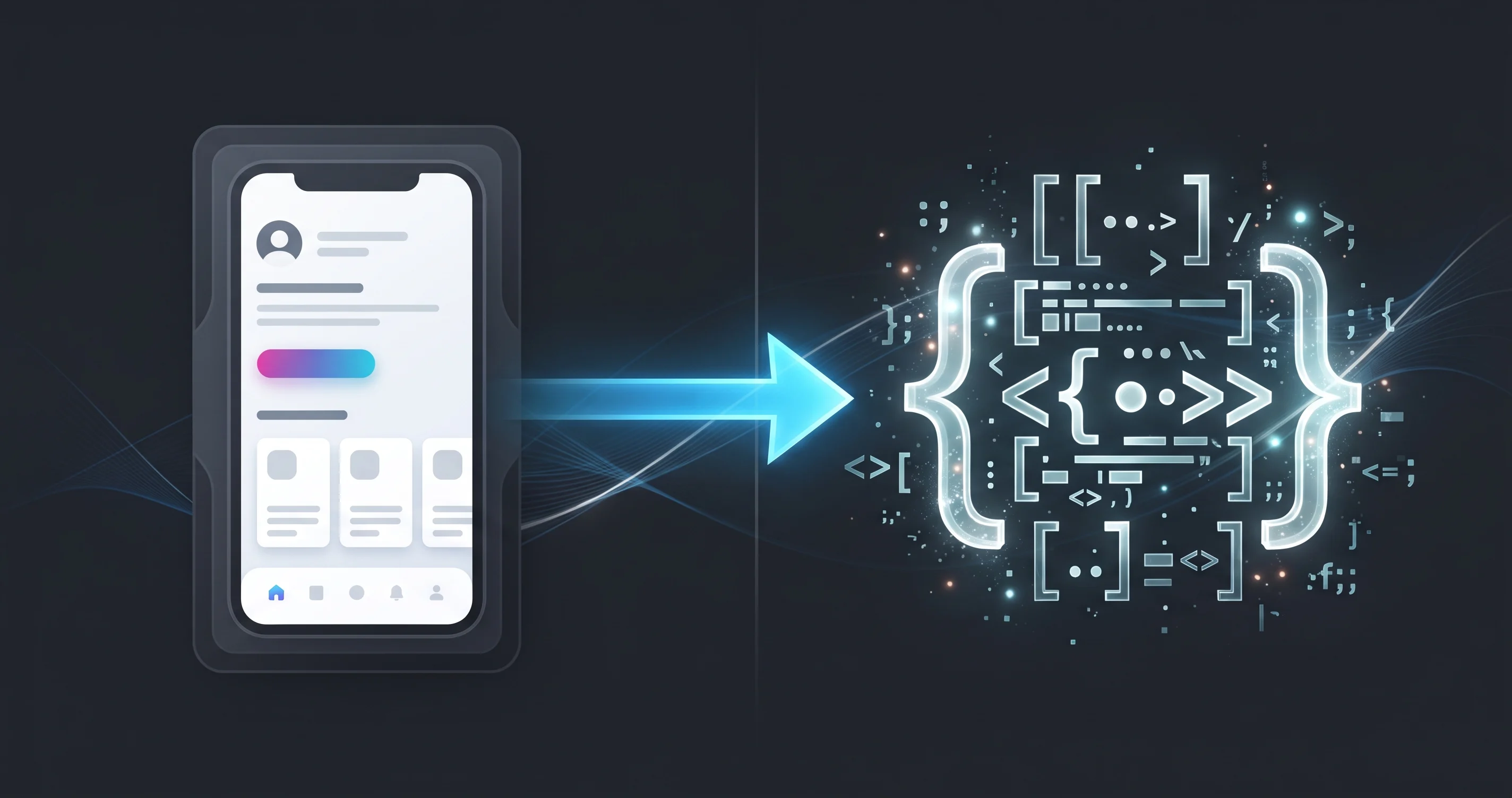
Palash Sarkar has seen how much a bad handoff can cost a project — weeks of back-and-forth messages asking "what's the spacing here?" or "what does this button do when it's disabled?" A clean handoff process, refined across projects like FitTrack, avoids nearly all of that friction before it starts.
Every Component State Gets Designed, Not Assumed
A button's hover, active, disabled, and loading states all get explicitly designed in Figma before handoff — never left for a developer to invent on the fly. Palash Sarkar treats an undocumented state as an unfinished component, regardless of how polished the default state looks.
Specs Live in the File, Not in a Separate Document
Rather than maintaining a separate specification document that inevitably goes stale, Palash Sarkar relies on Figma's built-in inspect panel — spacing, colors, and typography values a developer can pull directly from the file. Auto Layout components (as covered in Palash Sarkar's Auto Layout guide) make this even more direct, since spacing logic is visible in the component structure itself.
A Short Handoff Call Beats a Long Handoff Document
No amount of documentation fully replaces a 15-minute call walking a development team through the more complex interactions and edge cases. Palash Sarkar schedules a short handoff conversation on every project with meaningful interaction complexity — it consistently prevents more misunderstandings than another page of written specs would.
Key Takeaways
A developer-ready handoff isn't about writing more documentation — it's about designing every state up front, keeping specs live inside the file, and pairing that with direct conversation for anything genuinely complex. Palash Sarkar's process is built to eliminate the back-and-forth that slows a project down after design is "done."
Book a free consultation with Palash Sarkar at palashsarkar.com/book-a-call — he works with startups, agencies, and global brands from Dhaka, Bangladesh.